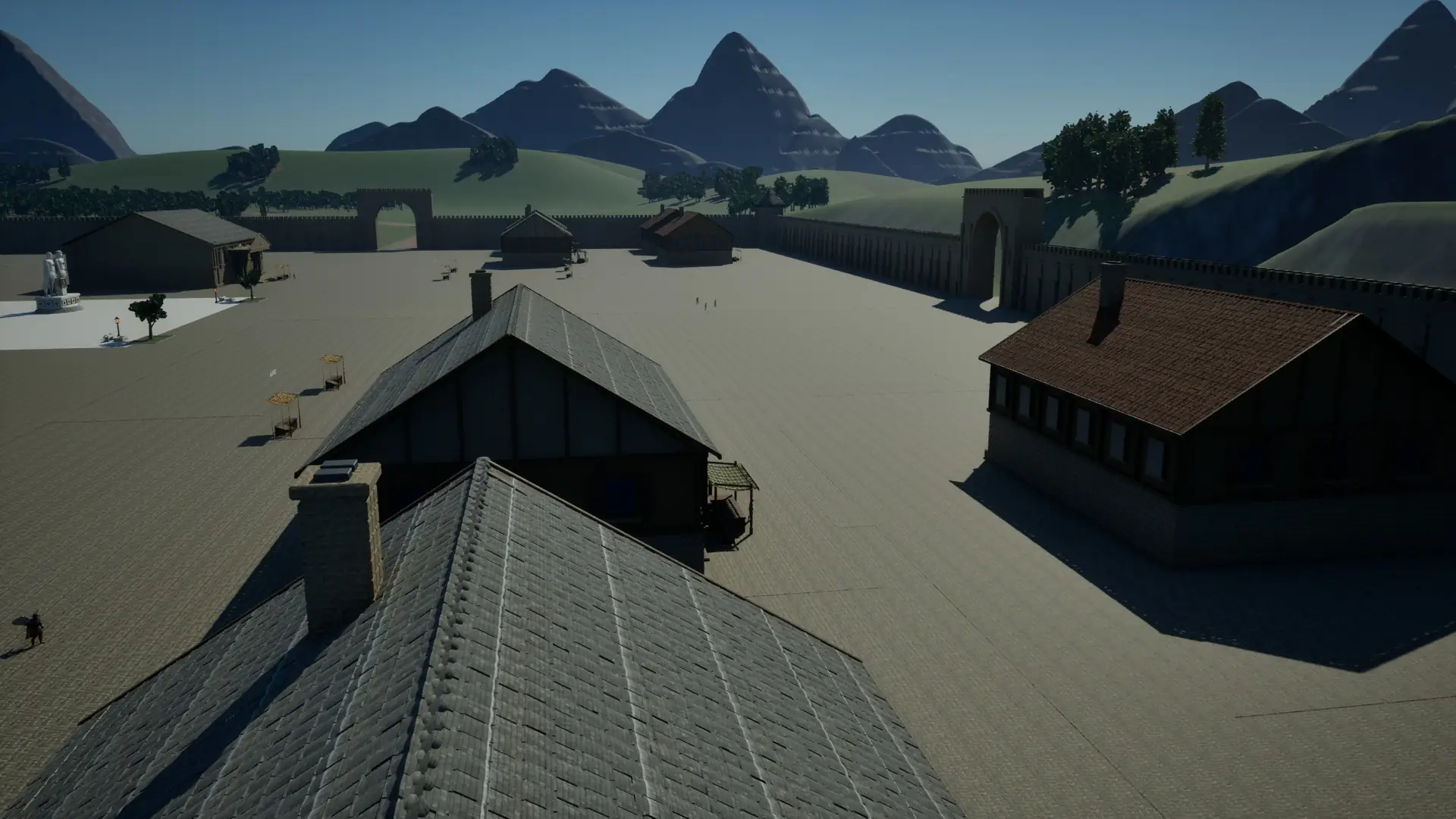
Download
Download the game
The alpha client is open to approved accounts only. If your account is approved, log in and download.
Eldorin Online client
Loading…
Getting started
- 1
Create an account
Create an account on the site and verify it with the code mailed to you.
- 2
Wait for approval and download
Once the alpha team approves your account, download the client from this page.
- 3
Install
Run the installer and install the game on an SSD. If Windows warns you, choose "Run anyway".
- 4
Log in
Start the game, log in with your site account, pick your server and create your character.
System requirements
Estimates for the alpha; they will be updated as testing goes on.
| Minimum | Recommended | |
|---|---|---|
| Operating system | Windows 10 64-bit | Windows 11 64-bit |
| Processor | 4 cores (Intel i5-8400 / AMD Ryzen 5 2600) | 8 cores (Intel i7-10700 / AMD Ryzen 7 3700X) |
| Memory | 16 GB | 32 GB |
| Graphics | GTX 1060 6 GB / RX 580 8 GB (DirectX 12) | RTX 2070 / RX 6700 XT |
| Storage | SSD, 30 GB free | NVMe SSD, 30 GB free |
| Connection | Broadband internet | Broadband internet |